Gridely
Hama, Perler & fuse beads

Hama & Perler bead patterns from any picture, ready for your pegboard

Convert a photo, a logo or a drawing into a Hama or Perler bead pattern. See it as round beads before you start, count how many of each colour you need, and place them row by row.

  • Start without an account
  • Free charts up to 500ร—500
  • Works on phone, tablet and desktop
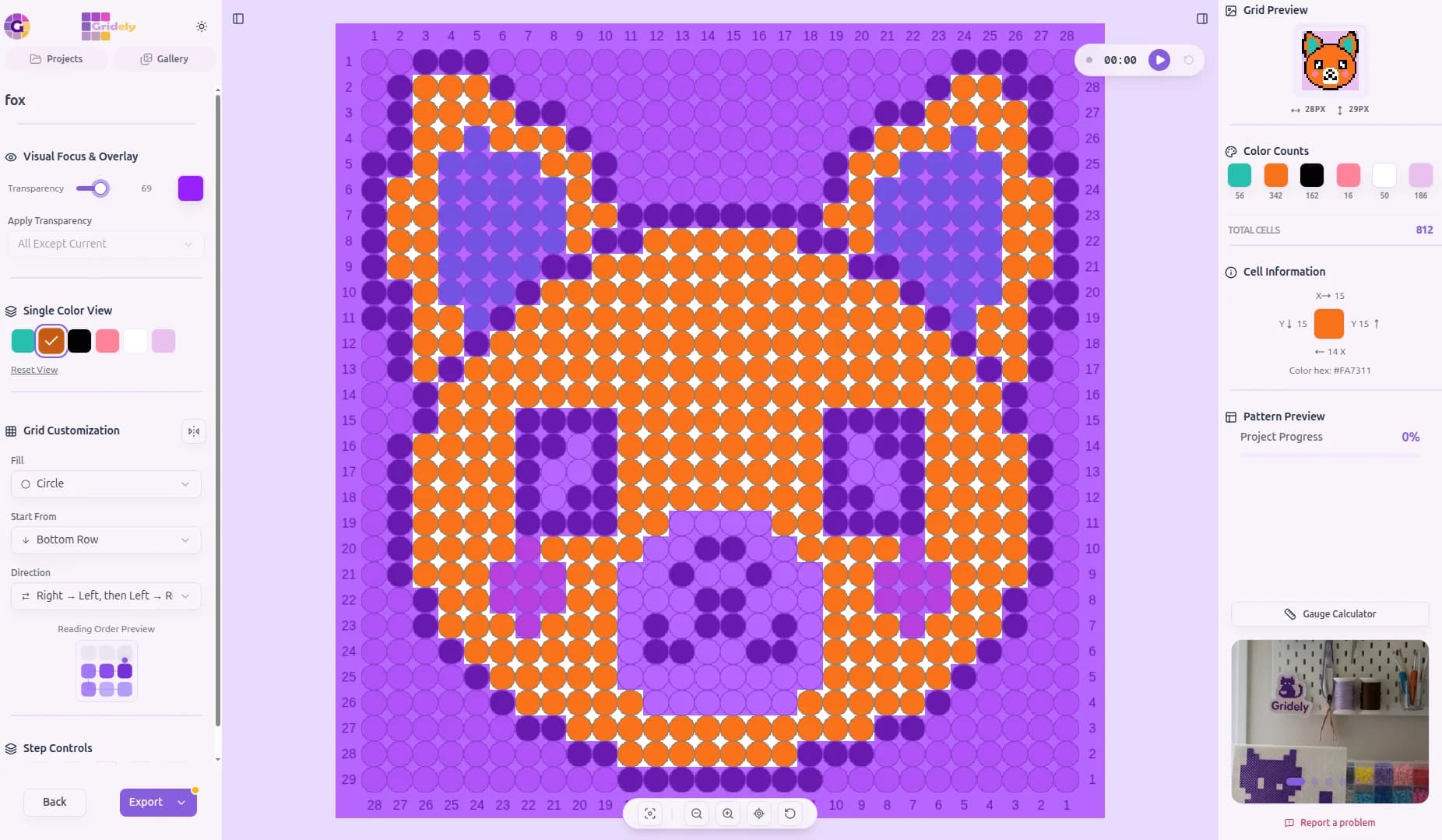
A fox face Hama bead pattern shown as round beads in the Gridely editor

From picture to pegboard in three steps

No pegboard maths, no printing grids by hand.

  1. Step 1

    Size it to your boards

    Upload an image and set the width in beads. One large square pegboard holds 29 ร— 29 midi beads, so 29, 58 or 87 beads wide fits whole boards.

  2. Step 2

    Pick your colours

    Choose how many colours the design uses, then swap each one for a bead colour you actually own.

  3. Step 3

    Place, iron, done

    Follow the pattern row by row on screen, or print it and lay it under a clear pegboard.

Built for beads, not just pixels

The same editor pixel artists use, with the details bead makers need.

Round-bead preview

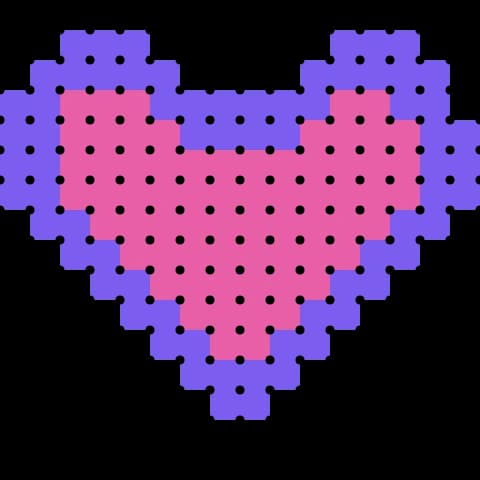
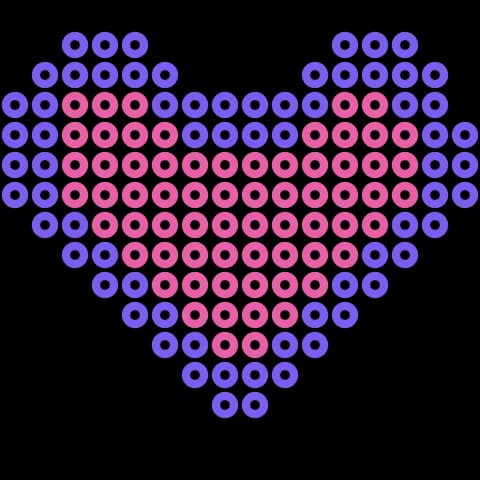
Switch the cells to circles and the pattern looks like fused beads, so you can judge it before buying a single bag.

Photo, logo or blank board

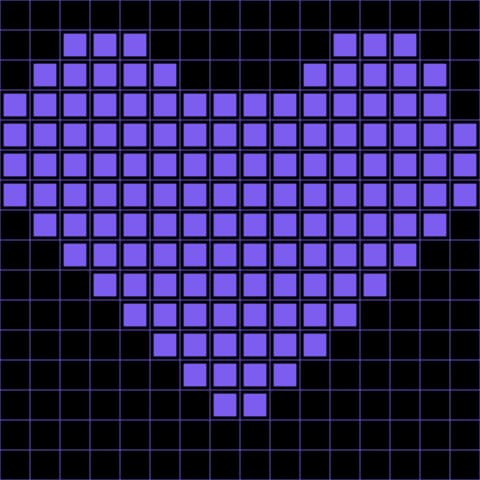
Convert an image in one step, or open an empty grid and design bead by bead with pen, bucket fill and selection.

A palette you control

Merge near-identical shades, replace a colour with one from your collection, or add a highlight the conversion missed.

Colour counts

See how many beads of each colour the design uses, so you know whether your stash is enough before you start.

A reader that keeps your place

Follow the pattern from a phone or tablet: the reader highlights the current row and counts each run of colour.

Printable chart

Export a PDF or a PNG with row and column numbers to slide under a clear pegboard or keep next to you.

Making a fuse bead pattern that looks good once ironed

Beads are big pixels with gaps between them. A few choices make the difference between a pattern that reads and one that turns to mush.

Start from a simple image

At 29 beads across, a face has room for two eyes and a mouth, not eyelashes. The images that convert best have one subject, bold shapes and strong contrast: a logo, a cartoon character, a pet silhouette. Crop tightly so every bead goes on the subject.

Detailed photos need more beads to read. If you want a portrait, plan on several boards joined together and keep the colour count low.

Size the design in boards

Pegboards come in fixed sizes, so think in boards rather than centimetres. A large square midi board is 29 ร— 29 pegs; widths of 29, 58 or 87 beads use whole boards with nothing wasted. Use the table below to see how big the finished piece will be for each bead size.

Fewer colours, cleaner result

Bead colours come in steps, not gradients. A design with 8 to 15 colours usually looks sharper than one with 30, and it is far easier to sort. Convert with a low colour count, then hand-fix the outline: a dark one-bead border around the subject makes it pop from across the room.

Remove single stray beads of a colour that appears nowhere nearby. They are fiddly to place and invisible once ironed.

Matching real bead colours

Screens and plastic never match perfectly, and there is no built-in Hama or Perler colour list yet. Edit each palette colour to the bead closest to it in your collection, and check skin tones and greys against real beads before you commit.

Approximate finished width of a design 50 beads wide.
Bead sizeBead widthFinished width
Mini (Hama mini, Artkal C)2.5โ€“2.6 mmabout 13 cm (5 in)
Midi (Hama midi, Perler, Artkal S)5 mmabout 25 cm (10 in)
Maxi (Hama maxi, Perler Biggie)10 mmabout 50 cm (20 in)

Fuse bead pattern maker โ€” questions

Is the bead pattern maker free?

Yes. Converting a photo, editing the chart and reading it on screen are free, on charts up to 500ร—500 beads with up to 20 colours. Exporting needs a free account and includes a watermark; clean exports come with the Studio plan or a one-off unlock for a single pattern.

Does it work for Hama, Perler and Artkal beads?

Yes. A fuse bead pattern is a grid with one bead per cell, so the same chart works for any brand. Pick the bead size when you plan the width; the pattern itself doesn't change.

Does it include Hama or Perler colour numbers?

Not yet. You set each colour yourself, so you can match the palette to the beads you own. The editor tells you how many beads of each colour the design uses.

How do I make a pattern bigger than one pegboard?

Set the width to a multiple of your board size, for example 58 beads for two midi boards side by side, and work board by board using the row and column numbers.

Can I preview it as round beads?

Yes โ€” switch the cell shape to circles and the chart looks like fused beads.

Can I use it on my phone?

Yes. The editor and the reader both work on phones and tablets, and the reader is handy propped next to your pegboard.

Ready to Make Your First Pattern?

Start designing patterns, charts, and pixel-based creations with Gridely. Designing is free, it's easy to get started, and it's growing with its community.

    Hama & Perler Bead Pattern Maker โ€” Free, From a Photo